In 2026, staying organized is more important than ever. With work, personal commitments, family responsibilities, and online activities competing for attention, managing your time effectively can make a significant difference in your productivity and overall well-being. One of the most powerful tools available today is the digital calendar. When combined with modern planning tools, a digital calendar can help you stay on top of your schedule, meet deadlines, and achieve your goals.
Whether you use a smartphone, tablet, laptop, or smartwatch, learning how to use your digital calendar effectively can transform the way you plan your day. In this guide, you’ll discover practical strategies for maximizing your digital calendar and planning tools throughout 2026.
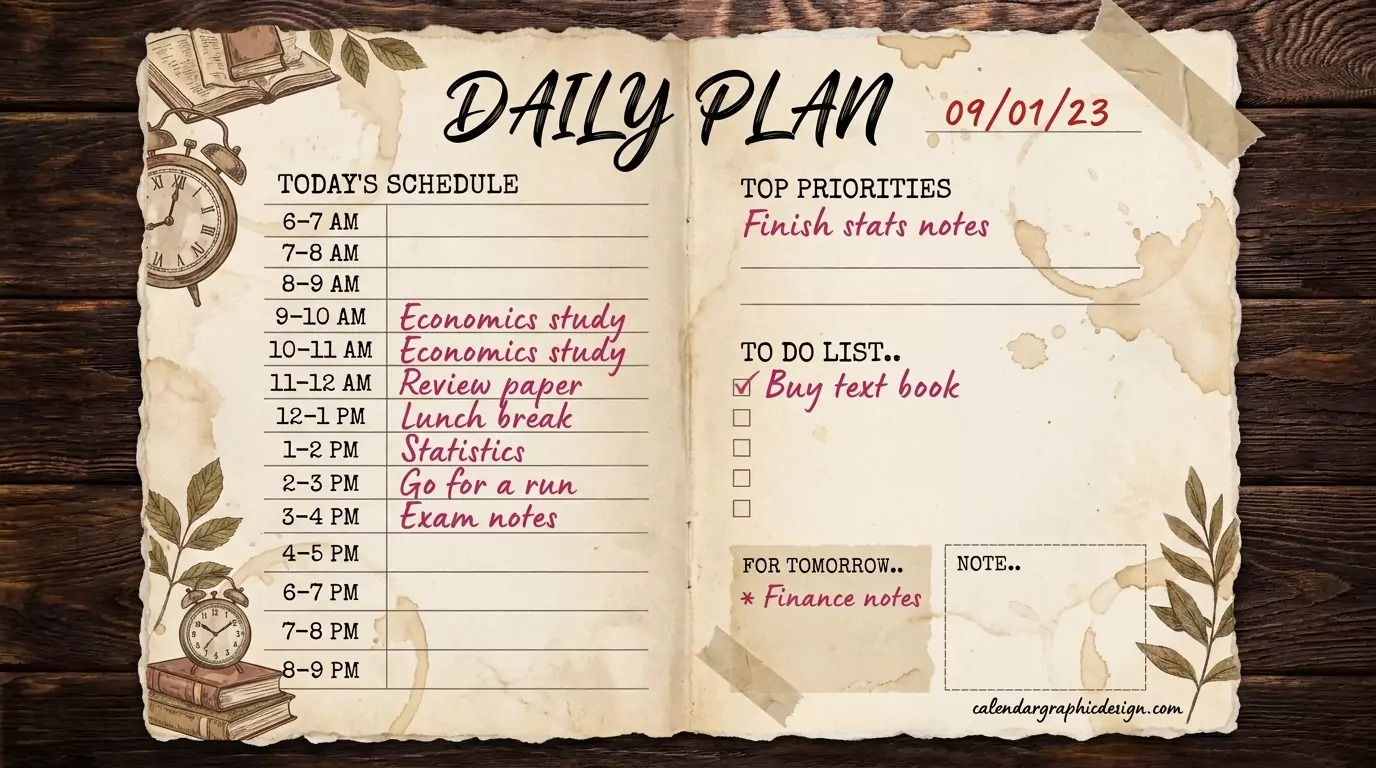
Why Digital Calendars Are Essential in 2026
Digital calendars have evolved far beyond simple date tracking. Modern calendar applications now offer reminders, task management, scheduling automation, event sharing, and synchronization across multiple devices.
Unlike traditional paper planners, digital calendars allow you to:
- Access your schedule from anywhere.
- Receive automatic reminders.
- Sync events across devices.
- Collaborate with teams and family members.
- Manage both personal and professional schedules.
These features make digital calendars one of the most effective productivity tools available in 2026.
Choose the Right Digital Calendar Platform
The first step toward effective daily planning is selecting a calendar platform that fits your needs. Different users have different requirements, so choosing the right tool is important.
Popular digital calendar options include:
- Google Calendar
- Microsoft Outlook Calendar
- Apple Calendar
- Notion Calendar
- Zoho Calendar
When choosing a calendar app, consider factors such as device compatibility, ease of use, collaboration features, and integration with other productivity tools.
Schedule Everything Important
One common mistake people make is only using their calendar for meetings and appointments. To get the most value from your digital calendar, schedule everything that matters.
This includes:
- Work meetings
- Project deadlines
- Exercise sessions
- Family events
- Study periods
- Personal development activities
- Travel plans
By treating your calendar as a complete life management system, you’ll gain a more accurate view of how your time is being spent.
Use Time Blocking for Better Productivity
Time blocking is one of the most effective daily planning techniques in 2026. Instead of creating a simple to-do list, you assign specific blocks of time to individual tasks.
For example:
- 8:00 AM – 9:00 AM: Email management
- 9:00 AM – 11:00 AM: Deep work session
- 11:00 AM – 12:00 PM: Team meetings
- 1:00 PM – 2:00 PM: Project planning
- 3:00 PM – 4:00 PM: Learning and development
This method helps reduce distractions and encourages focused work throughout the day.
Set Smart Reminders and Notifications
One of the greatest advantages of a digital calendar is automated reminders. Instead of relying on memory, let technology help you stay on track.
Consider setting reminders:
- 15 minutes before meetings.
- One day before major deadlines.
- One week before important events.
- At the beginning of recurring tasks.
However, avoid excessive notifications. Too many alerts can create distraction fatigue and reduce effectiveness.
Use Color Coding to Organize Your Schedule
Color coding is a simple but highly effective way to organize your digital calendar. Assigning colors to different categories helps you instantly understand how your time is allocated.
Example color categories:
- Blue for work tasks.
- Green for personal activities.
- Red for deadlines.
- Yellow for family events.
- Purple for health and fitness.
When viewing your weekly or monthly calendar, color coding provides a clear visual overview of your priorities.
Integrate Your Calendar with Productivity Tools
Many modern productivity platforms integrate seamlessly with digital calendars. Combining these tools can significantly improve workflow management.
Useful integrations include:
- Task management apps.
- Project management software.
- Note-taking platforms.
- Email applications.
- Video conferencing tools.
When tasks and deadlines automatically appear on your calendar, planning becomes much easier and more efficient.
Plan Your Day the Night Before
One of the most effective habits for successful professionals is reviewing their schedule before going to bed. Spending five to ten minutes planning the next day can dramatically improve productivity.
Each evening:
- Review unfinished tasks.
- Confirm appointments.
- Prioritize key activities.
- Prepare materials needed for meetings.
- Adjust your schedule if necessary.
Starting your morning with a clear plan reduces decision fatigue and helps you focus immediately.
Create Recurring Events for Routine Tasks
Many daily and weekly activities happen repeatedly. Instead of creating them manually every time, use recurring event features.
Examples include:
- Weekly team meetings.
- Monthly budget reviews.
- Daily workout sessions.
- Morning planning routines.
- Weekly family check-ins.
Automating recurring activities saves time and ensures consistency in your schedule.
Use Shared Calendars for Collaboration
Shared calendars have become increasingly important in both professional and personal settings. Teams can coordinate projects more effectively, while families can stay informed about everyone’s schedules.
Benefits of shared calendars include:
- Improved communication.
- Reduced scheduling conflicts.
- Better teamwork.
- Enhanced family organization.
- Greater transparency.
In 2026, many organizations rely heavily on shared calendar systems to improve collaboration and productivity.
Review Your Weekly Schedule Regularly
Daily planning is important, but weekly reviews provide a broader perspective. Set aside time at the end of each week to evaluate your calendar and identify opportunities for improvement.
During your review, ask:
- Were my priorities aligned with my goals?
- Did I spend too much time in meetings?
- What tasks can be delegated?
- Where can I improve focus next week?
Regular reviews help ensure your calendar remains an effective planning tool rather than simply a list of appointments.
Avoid Overbooking Your Schedule
One of the most common planning mistakes is filling every available time slot. While productivity is important, leaving room for flexibility is equally essential.
Consider adding buffer time between meetings and major tasks. This allows you to handle unexpected issues, take breaks, and avoid burnout.
A balanced schedule often leads to better long-term productivity than an overloaded one.
Leverage AI-Powered Scheduling Features
Many digital calendar platforms in 2026 now include AI-powered scheduling assistance. These features can suggest meeting times, prioritize tasks, and identify scheduling conflicts automatically.
AI tools can help:
- Optimize your daily schedule.
- Reduce manual planning.
- Improve meeting coordination.
- Identify productivity patterns.
- Save valuable time.
While AI should not replace personal judgment, it can serve as a valuable planning assistant.
Conclusion
Using your digital calendar effectively in 2026 is about much more than simply recording appointments. A well-organized calendar serves as a powerful productivity system that helps you manage responsibilities, achieve goals, and maintain balance in your daily life.
By implementing strategies such as time blocking, color coding, smart reminders, recurring events, and productivity tool integrations, you can transform your calendar into a central hub for effective daily planning.
Whether you’re a student, entrepreneur, professional, or busy parent, mastering your digital calendar can help you stay organized, reduce stress, and make the most of every day in 2026.
